On ClassBento we've made it easy for you to quickly request and book a private class.There are two ways our classes can be booked for private events, depending on the class page.
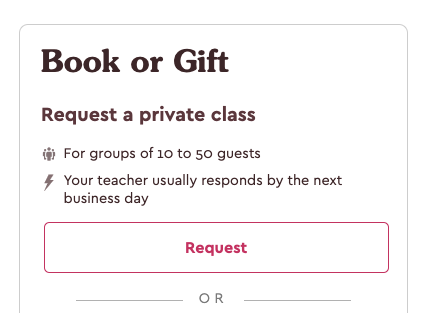
Some class pages have our Request feature where you will fill out a quick form, and if the teacher is available they will send you a link to book and finalise payment. You will get the teacher's contact details once it's booked (and they'll get yours too).
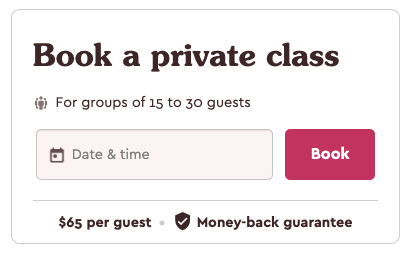
Other class pages have a slightly different set-up where you can instantly book, by choosing your preferred class date and finalising payment details right away.
Using the Request feature to book a private class
- Click on the class that you'd like to attend.
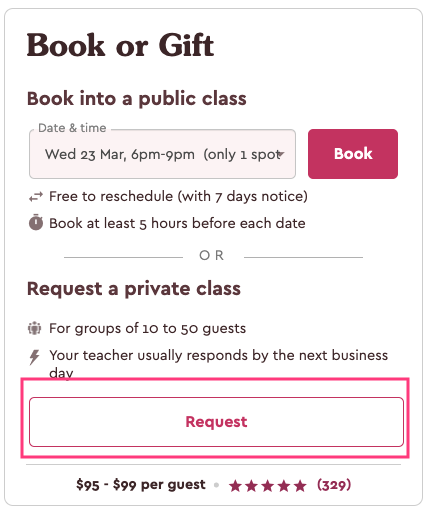
- Head to the "Book or Gift" section.
- Click the "Request" button, under "Request a Private Class"
- Fill in your request details and any additional questions/details you want the teacher to know in the short form.
- Tick the checkbox to indicate that you understand the total cost, as well as the cancellation and rescheduling policy for this class, should you book the class.
- Click "Send Request".
- If the teacher is available, they will send you a booking link over email and SMS, where you can then lock in the class by paying. You are not booked into the class until you enter your payment details and book.
- If the teacher is unavailable, they will let notify you over email and SMS, and may include some alternative dates and times that you can book into.
Instantly book a private class
- Click on the class that you'd like to attend.
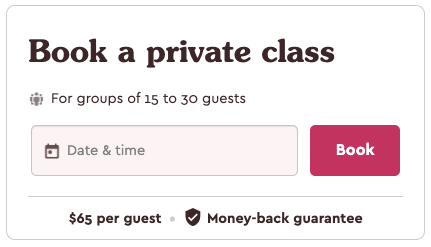
- Head to the "Book or Gift" section.
- Choose your preferred date and time under "Book a Private Class".
- This will redirect you to the cart page.
- Enter your booking details, including the number of tickets you will be purchasing, and any questions or additional details you would like to send to the teacher.
- Enter your payment details, including your voucher if you are using one.
- Tick the checkbox to indicate that you understand the total cost, as well as the cancellation and rescheduling policy for this class.
- Click "Book".
- Once you click book, your booking has been made and the cancellation policy applies.